Kanban Task Tracking App
What Is a Kanban Board?
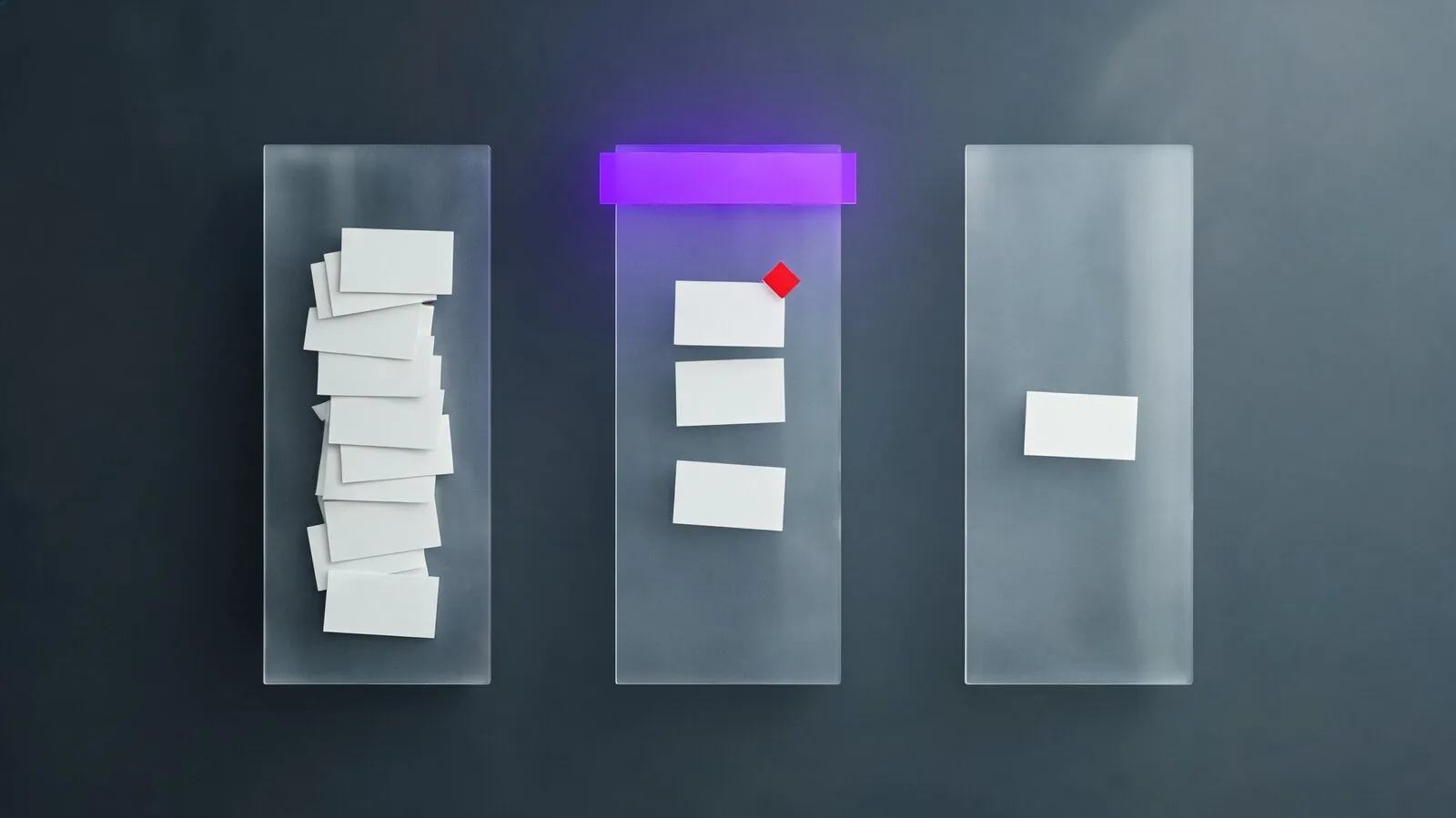
A kanban board maps work through columns that represent real states, so the team can see where tasks wait, move, stall, and finish.
Kanban is a visual system for managing flow. A task card enters the board, moves through states, and leaves when the work is done. The method is simple enough for a personal task board and strong enough for product, support, marketing, and operations teams that handle changing intake.
Pricing and feature data verified against vendor pages on May 14, 2026.
Origins of kanban from Toyota to software
The software version borrows the idea of limiting work in progress from manufacturing. The point is not to copy a factory system literally. The useful idea is constraint: if too much work is open, finishing slows down. A board makes that visible.
Backlog, doing, done - and the columns teams add
- Backlog: not ready yet, not promised
- Ready: clear enough for someone to pull
- Doing: active work under WIP limits
- Review: waiting for feedback or approval
- Blocked: cannot move without an external decision
Physical boards versus digital kanban tools
Physical boards are fast and social for co-located teams. Digital boards win as soon as work is remote, searchable, linked to files, or reported upward. The best digital board still feels as fast as moving a sticky note.
Kanban works because the board exposes flow, not because cards look tidy.
Benefits of Visual Task Tracking
Visual tracking helps teams spot overload and waiting work before deadlines fail. The board turns vague busyness into a queue everyone can inspect.
The strongest kanban benefit is shared visibility. A manager can see where work piles up, a teammate can pull the next ready task, and a stakeholder can understand status without asking for a meeting. Visual task tracking is especially useful for service teams where new work lands every day.
Seeing work-in-progress at a glance
A busy board is not automatically productive. Ten cards in "Doing" for a four-person team usually means context switching, not throughput. WIP limits turn that visual signal into a rule the team can act on.
Spotting bottlenecks visually before they grow
- Too many cards in Review means approvals are slow
- Too many blocked cards means dependencies are not being managed
- Too much intake means the team needs stricter triage
- Too little movement means cards may be too large
Why visual tools beat task lists for teams
Lists are good for personal ordering. Boards are better for team flow because status is spatial. Nobody has to filter by owner or due date to see that review has become the constraint.
A board earns its space when the problem is visible before a manager asks for status.
Workflow Organization Tips
Good kanban design mirrors the real path work takes. Bad design adds columns for every nuance until the board stops moving.
Start with the fewest columns that describe true state changes. Add a column only when it changes who owns the work, what action happens next, or how the team reports flow. Labels and fields are better for metadata than extra columns.
Designing columns that match your real flow
For a content team, the flow might be Idea, Briefed, Drafting, Editing, Legal, Scheduled, Published. For a dev team, it might be Backlog, Ready, In Progress, Review, QA, Done. The board should reflect how work actually moves, not how the org chart looks.
How many columns is too many?
More than seven columns often creates hiding places. If a card can sit in a column for a week without anyone knowing what action is expected, that column is too vague. Split by decision points, not by mood.
Card colours, tags, and visual noise
- Use color for priority or work type, not both
- Keep labels under eight active options
- Use one blocked indicator across the whole board
- Archive completed cards on a fixed cadence
Columns should represent action states; labels should carry supporting detail.
Kanban Automation Features
Useful kanban automation moves routine cards, enforces limits, and keeps owners informed. It should reduce board maintenance rather than hide workflow problems.
Trello, ClickUp, Asana, Monday, Jira, and Linear all support some version of column-based automation. The danger is building rules that move cards faster than people understand them. Automation should handle predictable admin tasks while leaving judgment to the owner.
| Automation | Use it for | Avoid it when |
|---|---|---|
| Status move | PR merged, card to QA | Human review is still required |
| Reminder | Card idle for two days | Deadline is not real |
| Auto-assign | Known intake category | Skill or load varies daily |
| Archive | Done cards after a month | Done state is used for reporting |
WIP limits enforced automatically
Some tools warn when a column exceeds its limit; fewer prevent moves. Warnings are usually enough. Hard blocking can frustrate teams when urgent work arrives, but a visible warning starts the right conversation.
Cards moved by status from GitHub or Linear
Engineering boards gain the most from source-control events. A pull request opened, reviewed, merged, or reverted should update the card without manual copying. That integration saves attention and keeps the board trustworthy.
Automate the clerical moves, not the judgment calls.
Team Productivity Strategies
Kanban improves productivity when teams pull work deliberately, review flow often, and treat blocked cards as urgent signals rather than background noise.
The board alone does not improve output. The operating habits around it do. Teams that get value from kanban usually share three behaviours: they pull new work only when capacity exists, they review bottlenecks often, and they split large work before it sits too long.
Pulling work instead of pushing it
Push systems assign tasks as soon as someone thinks of them. Pull systems let a teammate take the next ready item when capacity opens. That small shift reduces overload because the board stops pretending everyone can start everything immediately.
Daily kanban reviews that take 10 minutes
- Start with blocked cards
- Then review cards that have not moved
- Then check columns above WIP limit
- End by choosing what not to start today
Measuring flow with cycle time
Cycle time tracks how long work takes once it starts. It is more useful than total task count because it shows whether the system is getting faster or slower. Watch the trend by work type, not just the average across everything.
Kanban productivity comes from pull discipline and bottleneck review, not board decoration.
Frequently asked questions
What is the best kanban task tracking app?
Trello is still the cleanest pure kanban app. ClickUp, Asana, Monday, Jira, and Linear are better when the team also needs dashboards, timelines, issue tracking, or multi-view project reporting. Pick Trello for simplicity and a broader platform when kanban is only one view of the work.
How many columns should a kanban board have?
Most teams should start with five or six: Backlog, Ready, Doing, Review, Blocked, Done. Add a column only when the work changes owner, action, or reporting state. Too many columns create hiding places where stale work can sit unnoticed.
Do WIP limits really matter?
Yes. WIP limits are the mechanism that keeps the board honest. Without them, the board often becomes a prettier task list with too many items in progress. Start with one active card per person plus a small team buffer, then adjust after a few weeks.
Is kanban better than a to-do list?
For solo work, a list may be enough. For team work, kanban is usually better because status, blocked work, and ownership are visible without filtering. Lists show priority; boards show flow.
Can kanban handle deadlines?
Yes, but deadlines should be fields on cards rather than the board structure itself. Use calendar or timeline views for date pressure, and keep the kanban board focused on flow state.